Documentation
Platform
Feedback views
Each workspace has a dedicated feedback view based on its widget type. The view you see depends on how the workspace was configured.
Sentiment
Shows emoji rating distribution, sentiment trends, AI-categorised submissions, and a full submission table with analytics.
CSAT
Shows satisfaction rate, satisfied vs not satisfied counts, AI categories, and a recommendations panel surfacing the most common suggested improvements from your feedback.
NPS
Shows your NPS score (−100 to +100), a promoter / passive / detractor distribution bar, and a “What they're saying” panel with direct quotes split by segment.
Workspace management
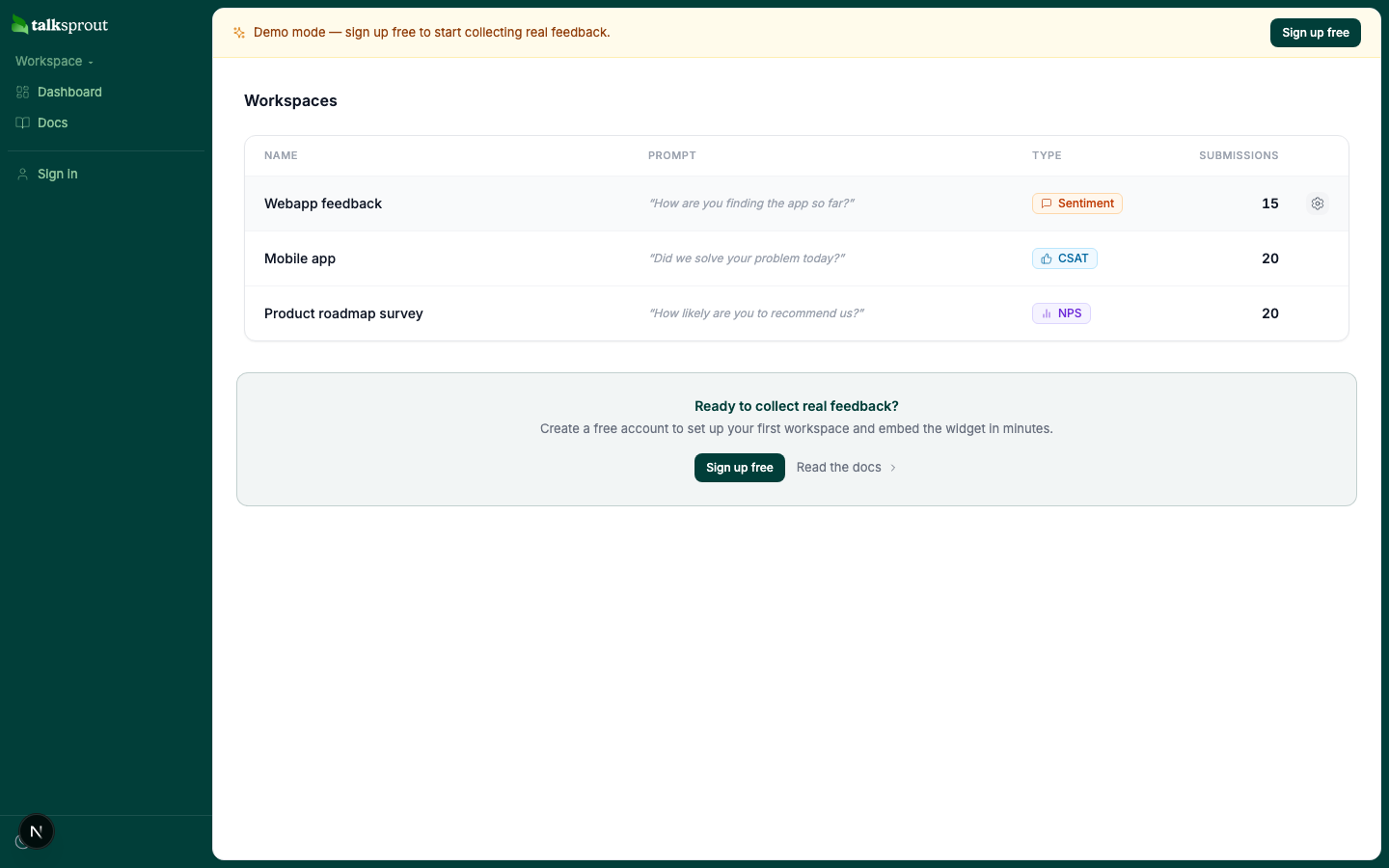
To manage a workspace, hover its row on your dashboard and click the settings icon that appears on the right. From there you can edit various aspects of your workspace and delete it if needed.
Billing management
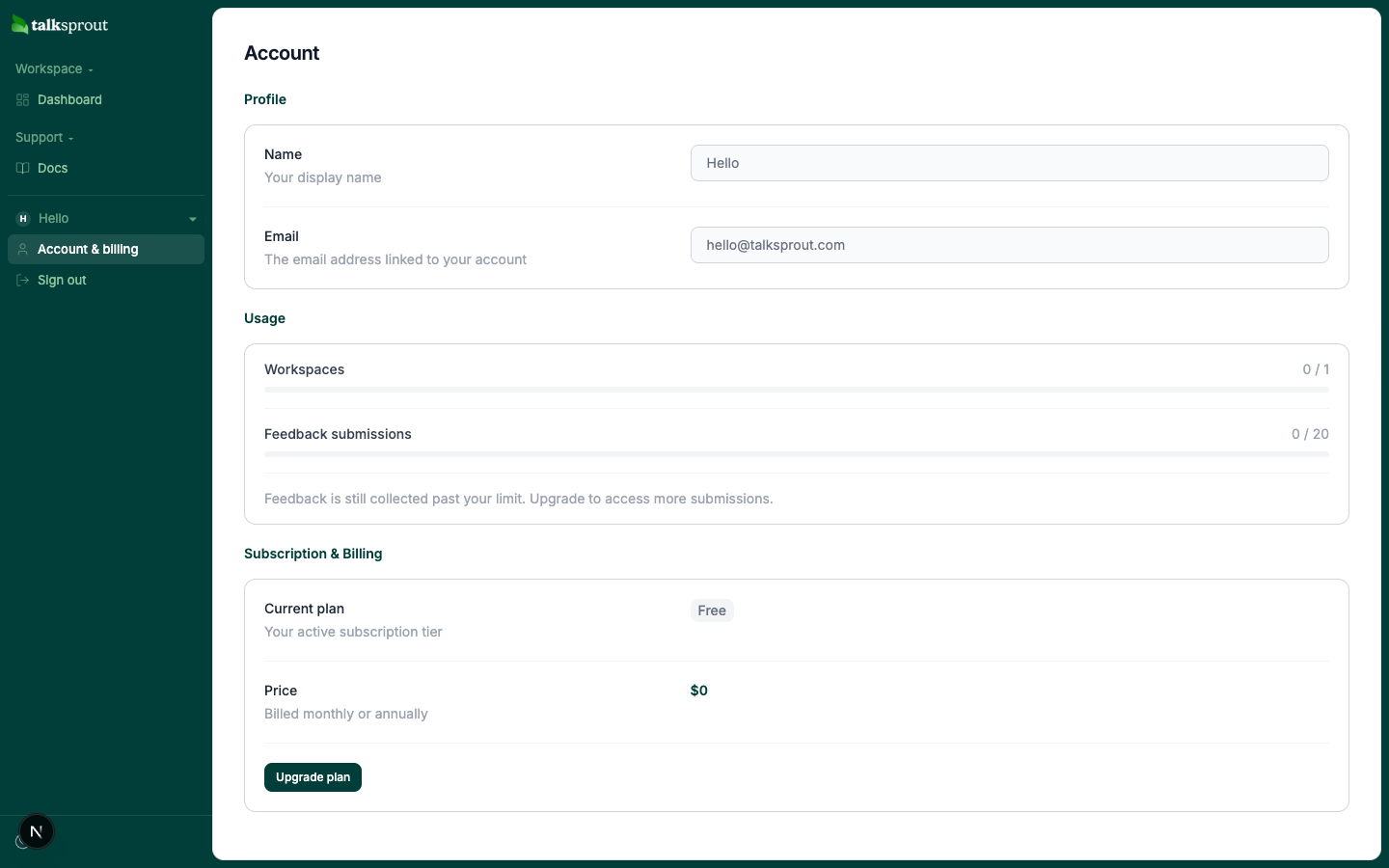
To manage billing, open Account & billing from the account menu, then click Manage to be redirected to your Stripe customer portal. talksprout uses Stripe for all payments and subscriptions.
Usage and quotas
For workspaces you will only be able to create the amount specified under your current plan.
For feedback submissions we will continue to collect feedback past your limit but you will only be able to see the first 20 under the Free plan, 300 under the Basic plan and unlimited under the Pro plan.
Notice:
You will not be charged for exceeding your limit but will need to upgrade to access more of your feedback submissions.